Protecting a business
Offices, retail, warehouses, industrial sites, multifamily and HOAs. 4K cameras with AI search so you can find any moment in seconds.
Licensed & Insured · TX DPS #B31026901 · TX ACR #3555668 Licensed & Insured
Customer LoginSecurity cameras · Homes & businesses · North Texas
Clear video, coverage planned around your property, and an app you will actually use. NTEX Security designs, installs and supports camera systems for homes and businesses across North Texas.
Some of the organizations we’ve worked with




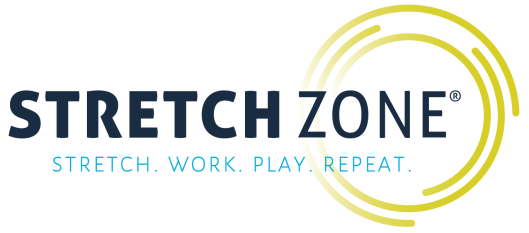
Find your starting point
Pick one to request a quote right here, or learn more about each option first.
Offices, retail, warehouses, industrial sites, multifamily and HOAs. 4K cameras with AI search so you can find any moment in seconds.
Driveways, porches, back yards and packages. Clear video and alerts on your phone, wherever you are.
A few details about the property help us come prepared. Not sure about something? Pick “Not sure” and we will figure it out together.
Your inquiry goes directly to NTEX Security. Privacy Policy
Tell us a little about your home and what you want to keep an eye on.
Your inquiry goes directly to NTEX Security. Privacy Policy
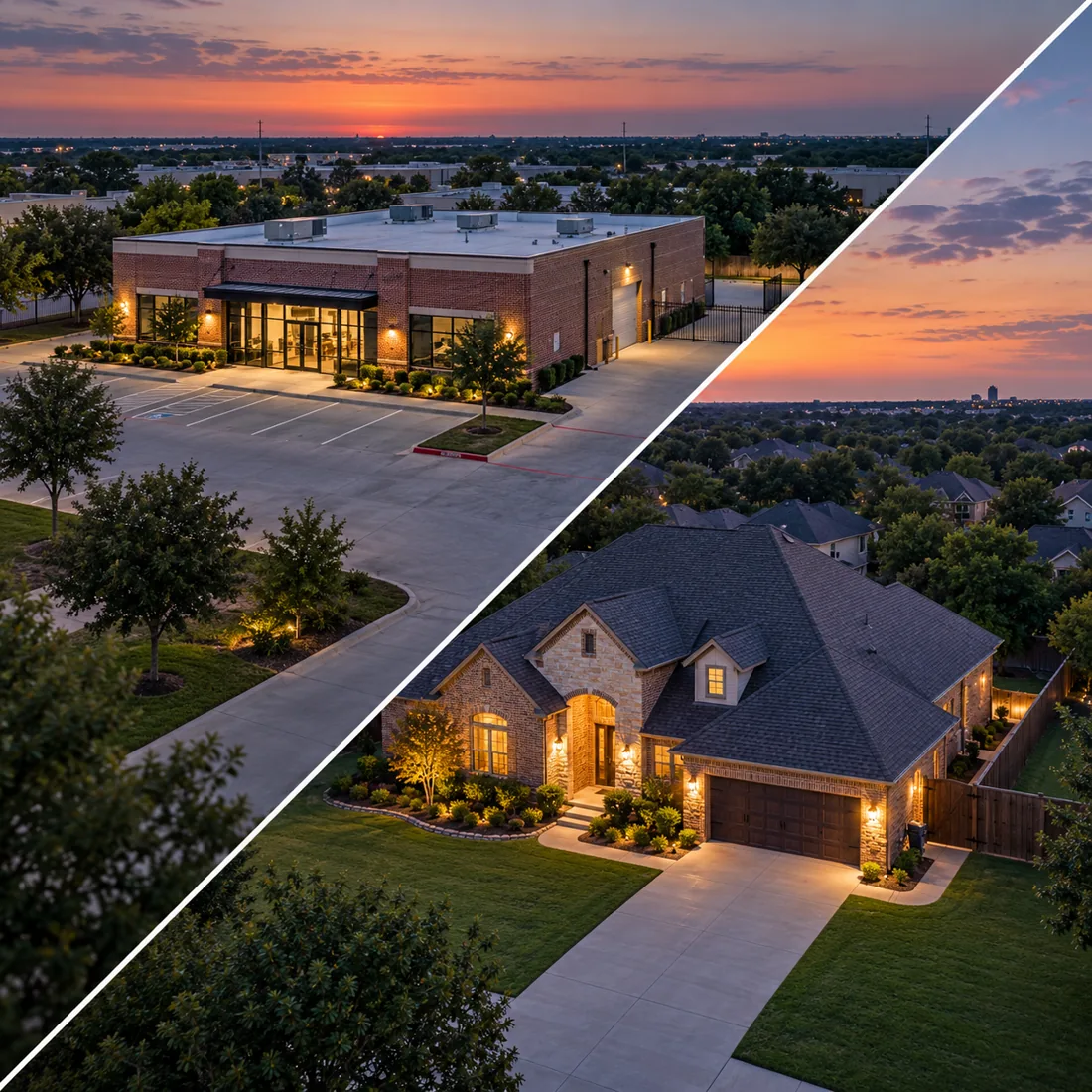
We look at entrances, blind spots, lighting and what you need to identify before recommending equipment.
How it works
Whether it is two cameras on a home or a full system across a commercial property, the process is the same: understand the property, install it cleanly, and make sure you know how to use it.
We walk the property with you, mark camera locations and talk through what you want to see and how long you want to keep video.
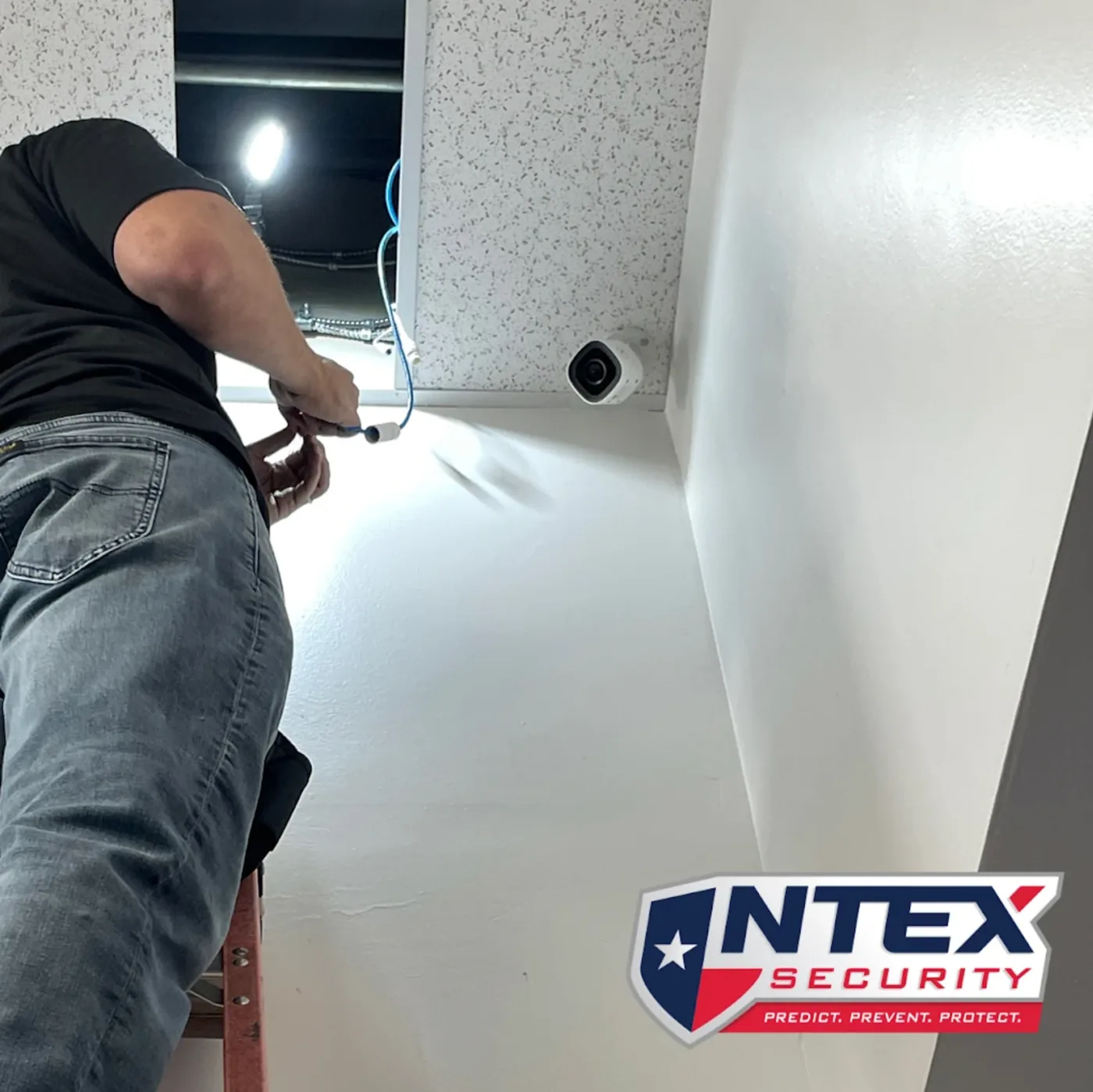
Our team installs and aims each camera, runs cabling neatly and sets up the recorder or cloud service.
We set up the app on your phone, show you how to view live and search recorded video, and stay available for support.
Existing cameras · Upgrades · Takeovers
Many systems we see are installed but not really working: grainy video, full hard drives or no one with the login. We review what you have before recommending anything new.
01 / Review
Check the cameras, recorder, cabling and network. Compatible equipment in good condition may stay part of the system.
02 / Upgrade
Identify the cameras or recorders that are holding the system back, and the coverage gaps worth closing.
03 / Support
Get access back in your hands, the app on your phone and a local team that answers when something stops recording.
Know the recorder brand or how many cameras you have? Have it handy, but it is not required to get started.
Request a Camera System ReviewBefore you move forward
Straight answers for homeowners, business owners and property managers.
Ask about your property →It depends on the number of cameras, the property layout, cabling, the recorder or cloud plan and features like AI search or live monitoring. After a site walk we give you a written quote for your property.
Yes. We set up the app during installation and show you how to view live video, get alerts and search recorded footage.
That depends on the recorder storage or cloud plan, the number of cameras and the recording settings. We size the system around how far back you want to be able to look.
Often, yes. We review the existing cameras, recorder and cabling first. Compatible equipment in good condition can stay, and we recommend upgrades only where they make a real difference.
Business systems usually cover more area, keep video longer and add tools like AI search, license plate cameras or live monitoring. Home systems focus on entrances, driveways and easy phone alerts. See the commercial and home camera pages for details.
For businesses, yes. Our AI video monitoring filters out false alarms so live agents can respond to real activity.
Scan with your phone to start a text.
(972) 371-0101Ask a question or send photos of your project.
 Text us