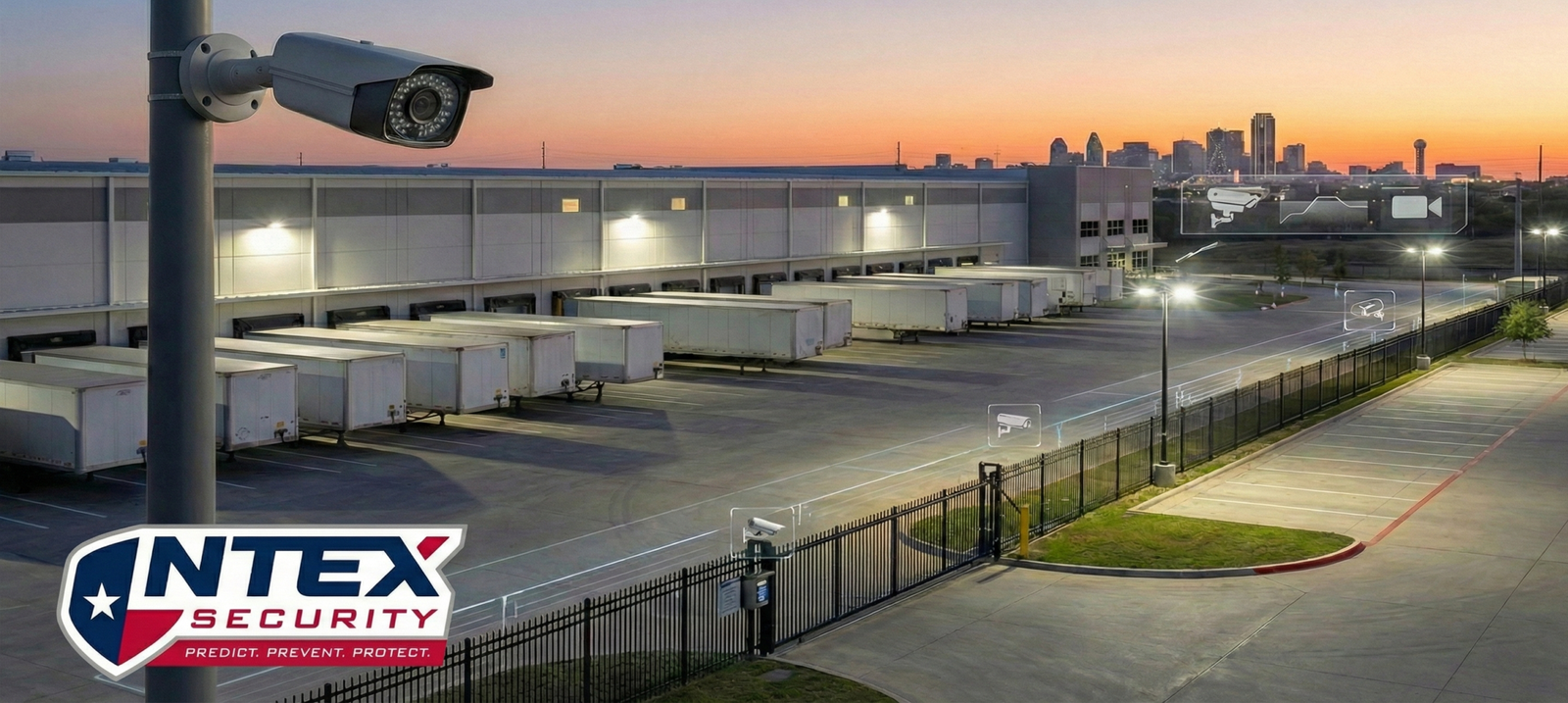
Warehouse issues usually start in the yard, not in the lobby. For Dallas sites, a well-planned commercial setup focuses on trailer rows, dock doors, and side access, then uses video rules that match how the property actually runs.
Most warehouse incidents are about access and opportunity. A side door gets propped, a pedestrian gate is left unsecured, or someone walks the dock line after hours because it’s dark and unobserved.
If cameras only face doors, you often miss the approach and the staging. Aim coverage at the routes people and vehicles take to reach docks, gates, and employee parking.
Many properties try to solve noise by adding cameras. In practice, the faster win is adjusting angles, fixing lighting, and setting clear zones so the system is watching what matters.
Start with three areas that tend to produce the most useful footage: trailer parking, dock doors, and employee parking. If those are clean, everything else gets easier.
Warehouses have shift changes, multiple supervisors, and vendors on the property. That’s where cloud-managed video helps day to day: faster clip review, simpler sharing, and cleaner user access when roles change.
On-site recording can still be a good fit when IT support is consistent and the recorder is protected. The weak point is usually not the camera, it’s the environment: heat, dust, and “set it and forget it” closets that make retrieval harder when you need it most.
Analytics can be useful if you treat them like site rules, not a magic switch. Person and vehicle detection, line-crossing at gates, and after-hours zones around docks and fence lines usually do more than broad motion alerts.
Here’s the key: yards have headlights, insects, wind-blown debris, and forklifts moving in predictable patterns. A commercial site should tune alerts around real traffic patterns, not around the camera’s full field of view.
Warehouses often mix employees, drivers, vendors, and sometimes multiple tenants. Video is still one of the best tools for accountability, but it needs basic guardrails so it does not turn into a workplace friction point.
Use clear signage, avoid aiming into break areas or sensitive spaces, and set role-based permissions so only the right people can export clips. If you operate a monitored alarm in Dallas, keep permits and false alarm practices current so you do not create avoidable problems when response matters. Dallas Police general alarm information and the city’s online alarm permit registration details are good references to keep bookmarked.
If you want a commercial warehouse system to feel calmer for staff, tighten the basics before turning up sensitivity. These are the items that usually reduce false alarms the fastest:
Traditional alarms are fast, but they cannot explain what happened. Verified video adds context so you can decide whether it is a real event, a door that did not latch, or routine movement in the yard.
For warehouses, that often means fewer unnecessary dispatches and better documentation when something real happens. It also helps you fix root causes, like a dock door that needs adjustment or a process that needs a simple change.
When power or connectivity drops, cameras and access control can fail in ways that create gaps or sudden bursts of alerts when systems come back online.
Pick your critical doors and cameras, back those up with a UPS, and keep a simple escalation plan for after-hours supervisors. For local notifications, Dallas properties can register for DallasAlert emergency notifications. For outage status in much of North Texas, the Oncor outage map is a practical reference.
The best setups give the right people fast access to live and recorded video, without giving everyone full control. That usually means simple roles by shift and a short “when to pull video” playbook for dock issues, yard activity, and after-hours checks.
If you want an example of a managed video workflow, this page shows the video experience many sites use: Alarm.com video for NTEX Security.
Warehouse and property teams often confirm providers through local and industry directories. These listings can help with quick verification:
If you are dealing with repeat nuisance alarms, blind spots in trailer rows, or weak dock coverage, a walkthrough usually reveals the easy fixes. NTEX can help you design a commercial plan that fits warehouse traffic patterns, reduces noise, and keeps video access clear and controlled.
What areas should warehouse cameras cover first?
Start with loading docks, trailer parking, and employee parking. Those zones usually produce the most useful footage and the most preventable false alarms.
Do video analytics actually help in a warehouse yard?
They can, as long as zones match real traffic. Person and vehicle detection plus after-hours line-crossing at gates tends to be more useful than broad motion alerts.
How long should a warehouse keep video footage?
Pick a retention window that matches how long it typically takes to notice and report issues, then adjust based on storage and policy. Consistency matters more than guessing.
What should we do to reduce false alarm dispatches in Dallas?
Start with doors that do not latch, lighting gaps, and overly broad motion zones. Then keep your alarm permit current and track nuisance patterns so you can fix root causes instead of living with repeat calls.
How does a commercial site stay privacy-friendly with more cameras?
Use signage, avoid sensitive spaces, restrict clip exports to specific roles, and set a clear retention policy so video stays useful without becoming a distraction.